Choose the audio.
Listen to one selected headset on the Mac, or mute every feed. Supported audio capture keeps sound playing in the headset.
Headset firmware and the app being cast must support audio capture.Watch up to four Quest headsets on your Mac. Connect over Wi-Fi or USB, focus on one view, and choose which headset to hear.
£4.99 at launch · One-time purchase
In development. Not available to download yet.
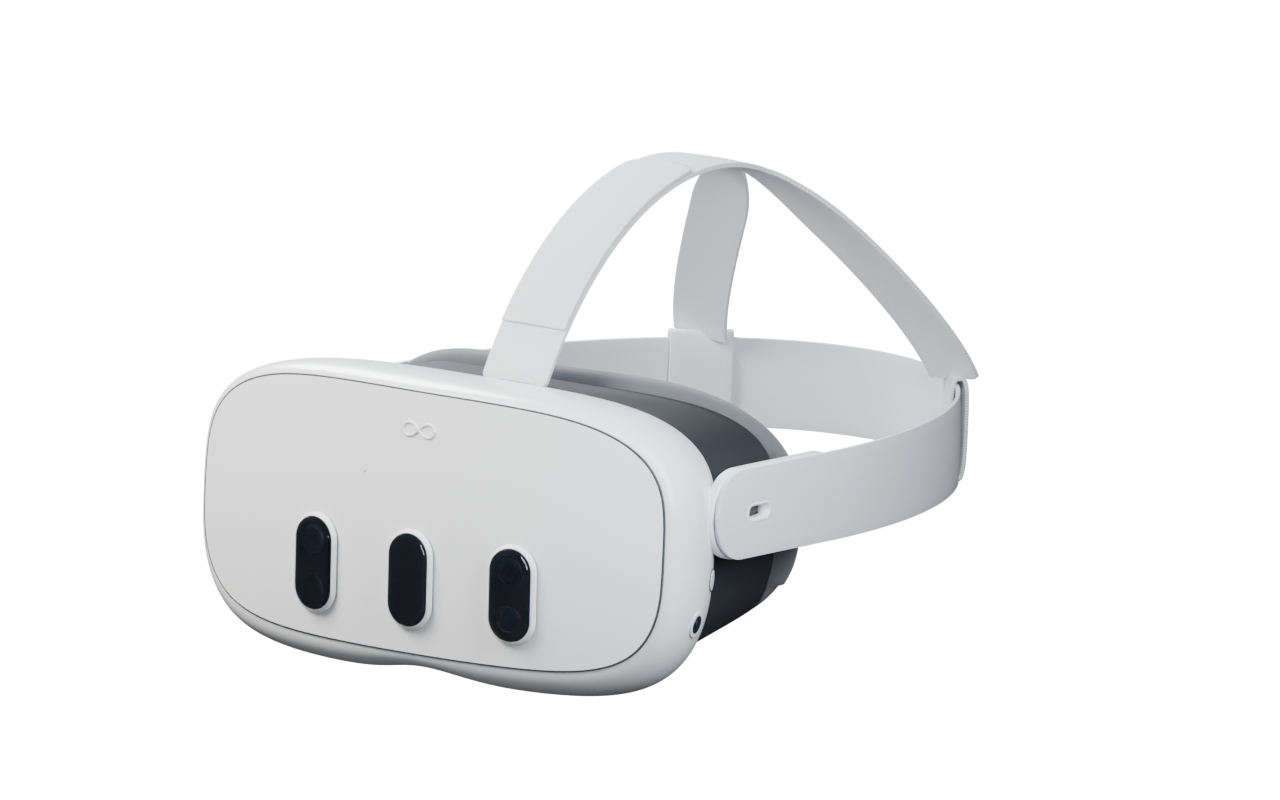 QuestStage for Mac
Inside QuestStage
Watch the grid, or give one headset the full stage.
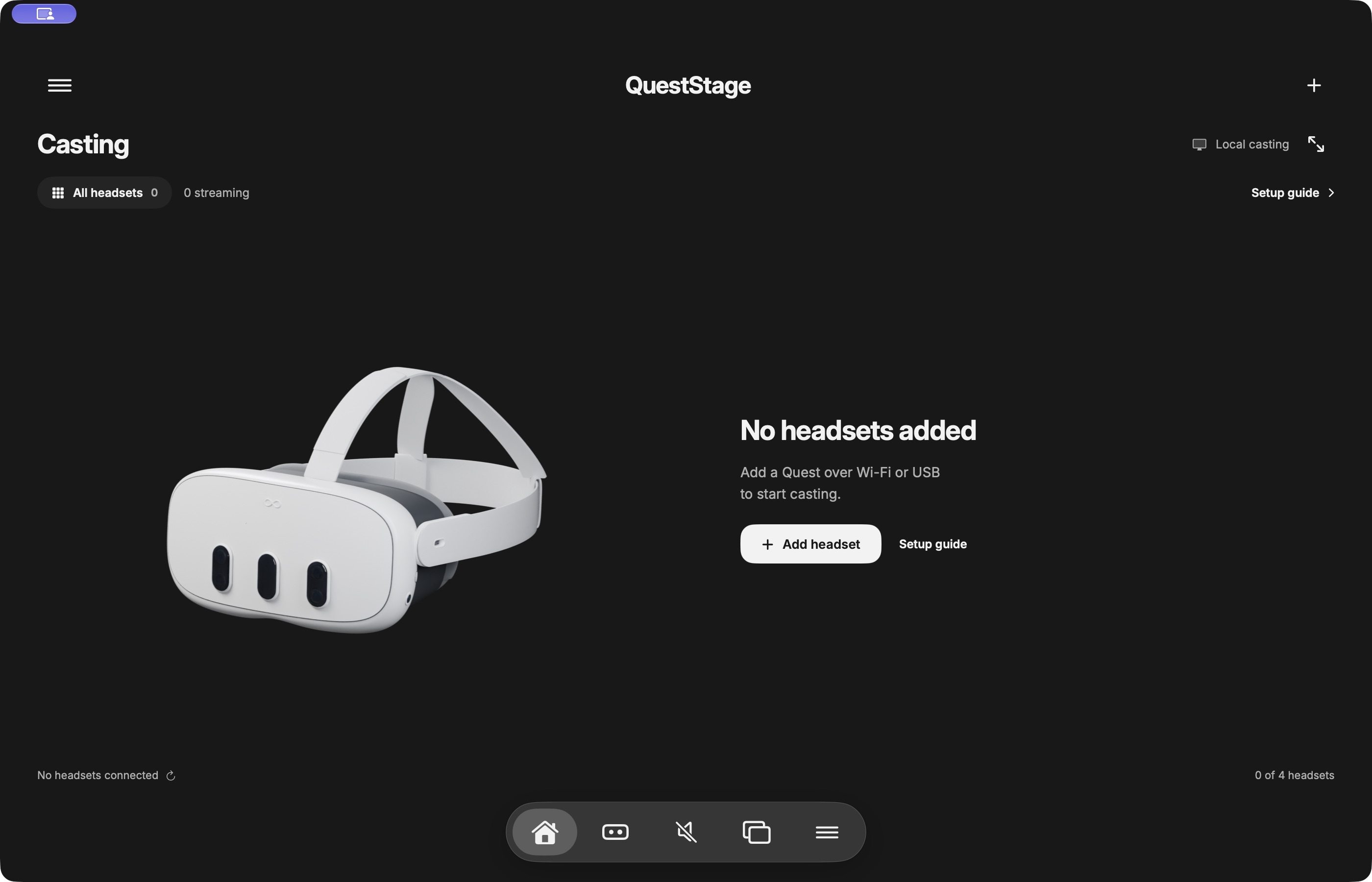
Save up to four headsets with names you recognise. Use the grid to watch together, or focus on a single feed.
The current interface, shown before a headset is connected.
Listen to one selected headset on the Mac, or mute every feed. Supported audio capture keeps sound playing in the headset.
Headset firmware and the app being cast must support audio capture.TV mode makes more space for the stage. Focus one headset or use macOS full screen when you want a closer look.
Video travels between your headset and Mac over your own network or USB. QuestStage does not relay it through a cloud video service.
Before you connect
First setup needs Developer Mode on your Quest. The app walks you through it one action at a time.
Choose your connectionGood to know
Not when your Quest offers Wireless debugging and Pair with pairing code. Otherwise, use a USB data cable for initial setup. The USB route can enable Wi-Fi afterwards.
The app requires macOS 14 or later and a Quest that supports ADB debugging. Developer Mode must be enabled. Compatibility, capture and audio depend on the Quest model, firmware and game; hardware validation is still in progress.
QuestStage has no account sign-in. Meta may require a verified developer account to enable Developer Mode; use Meta’s own setup flow for that.
Not yet. QuestStage is in development, and there is no public download or App Store listing to install from. Release information will appear here when it is available.
Need a hand?